
Developing a Holographic Material
Unreal Engine 5.7
EXPERIMENTAL NARRATIVE AND CONCEPT
Drew Campbell
5/18/20263 min read
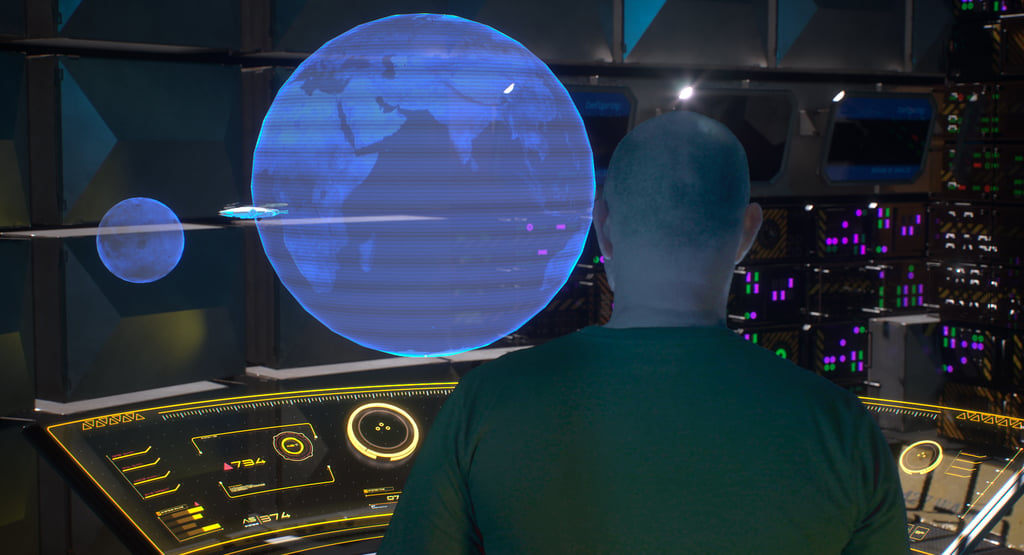
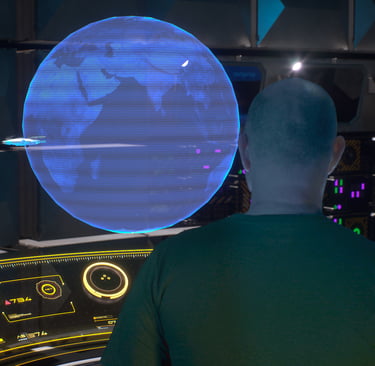
Fig 1. Hologram Material in Unreal Engine 5.7
As part of developing the visual style for my experimental Unreal Engine scene, I started exploring different approaches to displaying holographic interfaces and screen elements within the environment. Because the project leans heavily into science-fiction aesthetics, I wanted the holograms to feel cinematic rather than simply functioning as flat UI graphics placed into the scene. This became an important part of the experimentation process within AVFX5102, where the module encourages alternative approaches to digital workflows, visual storytelling, and emerging production techniques.
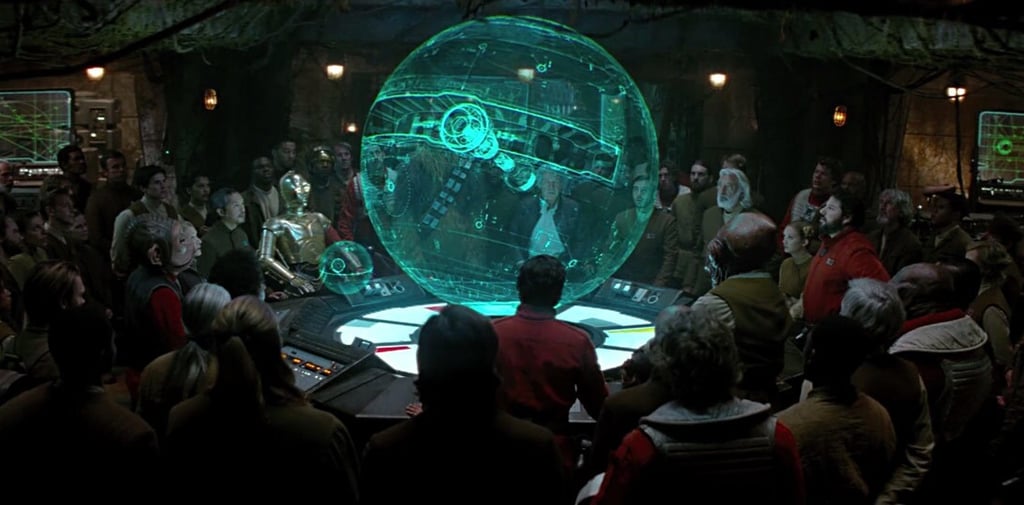
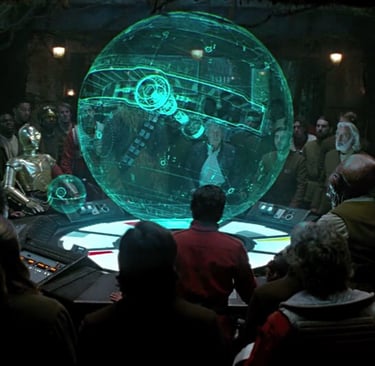
When developing the holographic material inside Unreal Engine, I found myself heavily influenced by the hologram displays used throughout the Star Wars franchise. In particular, the projected Death Star schematics and tactical displays from the original trilogy helped shape the overall visual direction I wanted to pursue (Richau, 2019). I was especially interested in the way those holograms combined transparency, emissive glow, layered imagery and scan-line distortion while still remaining readable to the audience. Even though the effects are relatively simple compared to modern VFX, they still feel iconic because of their clarity and strong visual identity.
I wanted to recreate some of that same visual language within Unreal Engine. Rather than producing a perfectly clean modern interface, I preferred a slightly unstable and analogue-looking hologram effect. This felt more cinematic and helped reinforce the retro-futuristic atmosphere I was aiming for within the scene. The blue glow, flickering transparency and animated distortion all helped push the effect closer towards the kind of holographic displays commonly associated with science-fiction cinema.
To help develop the effect technically, I followed an online Unreal Engine tutorial focused on holographic materials and shader creation (Tiedtke, 2022). This became a useful learning exercise because it introduced me to several material functions and workflows that I had not experimented with previously. In particular, I learned how emissive values, opacity controls, animated noise textures and panning distortion maps could be layered together to create a more believable real-time hologram effect.
One area I found particularly interesting was how subtle movement within the material helped sell the illusion. Even small amounts of animated distortion made the hologram feel far more dynamic and alive inside the environment. Without this movement, the effect looked too static and immediately lost the futuristic quality I was aiming for. It also reinforced how important motion and imperfection can be when designing digital effects for screen-based media.
As part of the experimentation process, I also downloaded Earth and Moon texture maps which I applied to sphere models inside Unreal Engine (Solar System Scope, 2017). This allowed me to test the holographic material on recognisable planetary surfaces rather than only flat planes or interface graphics. Seeing the hologram wrapped around three-dimensional objects immediately made the effect feel more cinematic and visually interesting.
The planetary textures also helped me experiment with lighting interaction, transparency levels and emissive intensity. Some versions became too bright and washed out, while others lost too much detail once transparency was introduced. Balancing readability with atmosphere became an important part of the process. Through testing different values and material combinations, I gradually developed a look that felt closer to the science-fiction aesthetic I originally envisioned.
This stage of the project reminded me how much experimentation is involved in environmental storytelling and real-time VFX design. Although the hologram itself is a relatively small element within the wider scene, it contributes significantly to the atmosphere and helps communicate the futuristic tone of the project. More importantly, the process pushed me to explore material workflows and visual experimentation beyond my existing comfort zone, which is a central part of what AVFX5102 encourages through experimental production practice and conceptual development.
References
Tiedtke, M. (2022). Create a sci-fi HOLOGRAM Material Shader in Unreal Engine 5 (FREE download). [online] Youtu.be. Available at: https://youtu.be/lWV52h-VHi8?si=aYQssOeWv_cyJ5Cc [Accessed 24 May 2026].
Solar System Scope. (2017). Solar System Scope. [online] Available at: https://www.solarsystemscope.com/textures/ [Accessed 18 May 2026].
Developing a Holographic Interface in Unreal Engine
Fig 2. Hologram of the Death Star in The Force Awakens (Richau, 2019)
Fig 3. Hologram of the Death Star in The Force Awakens (Richau, 2019)
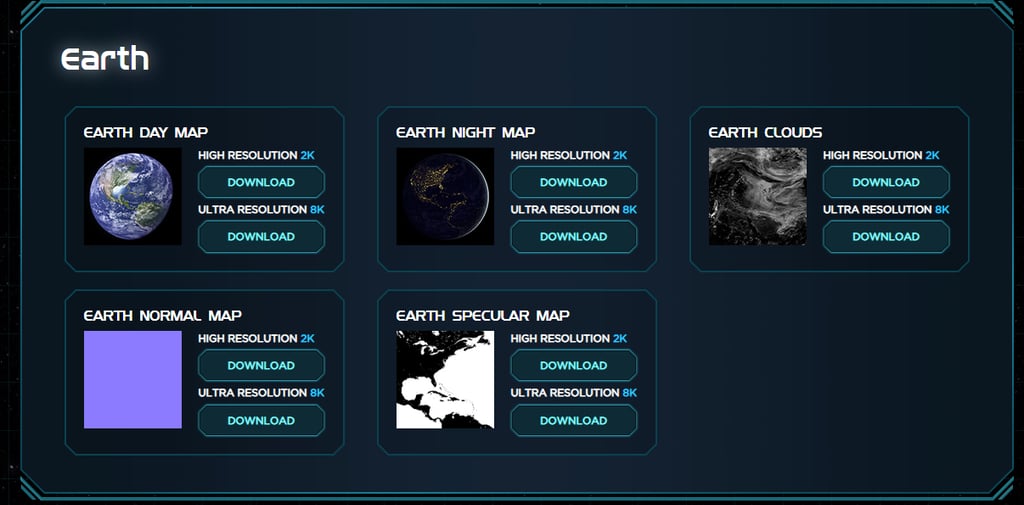
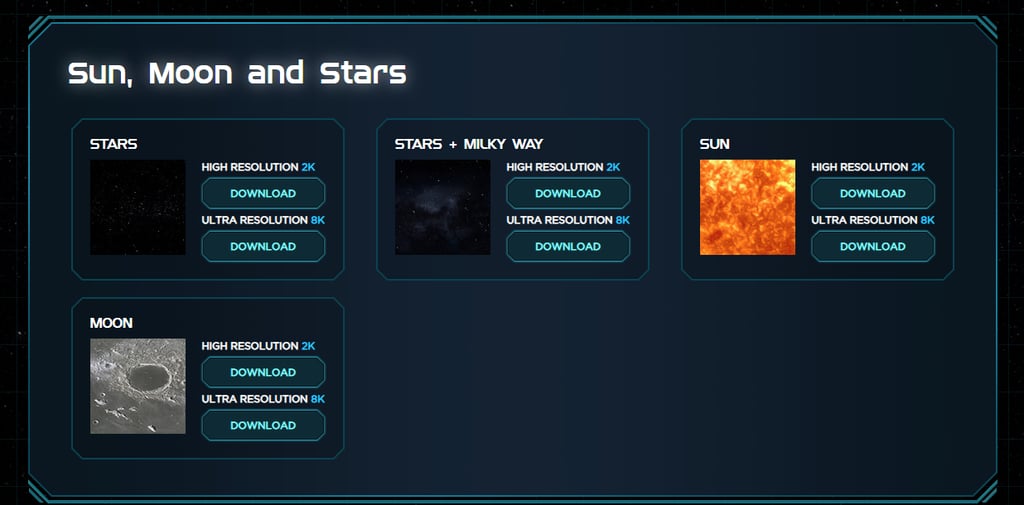
Fig 4. Earth texture (Solar System Scope, 2017)
Fig 5. Moon texture (Solar System Scope, 2017)
Business address: Voice of Drew, Carlisle, CA2 6ER | UTR: 7259771174 Copyright Drew Campbell 2024